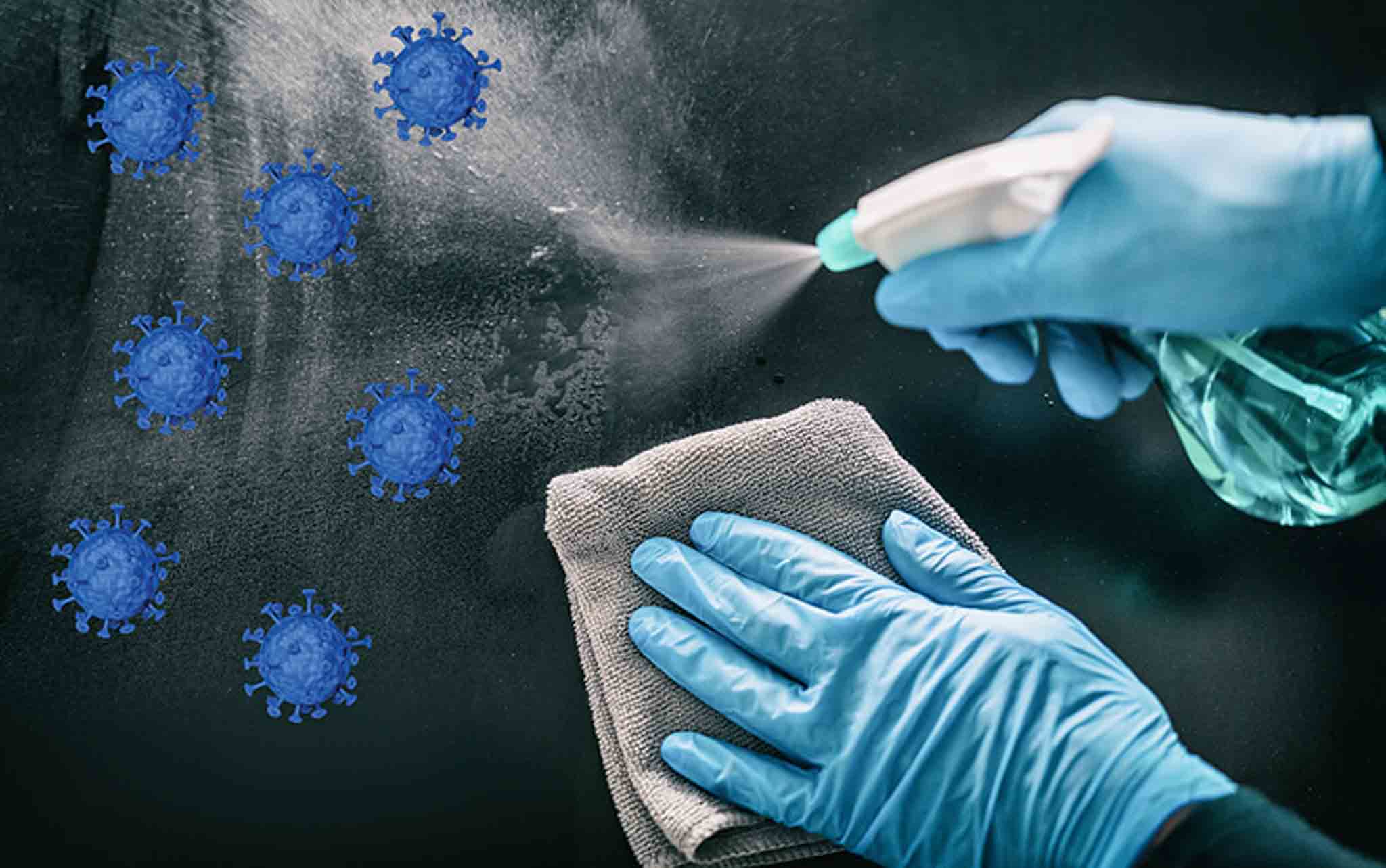
Expert Guide on How to Clean Tablets
Tablets have become an essential part of our daily lives, used for work, entertainment, and communication. With regular use, tablets can accumulate dirt, smudges, and fingerprints, affecting their performance and appearance. Proper cleaning is crucial to maintain the functionality and longevity of your device. In this expert guide, we will explore the best ways to clean tablets effectively.
1. Gather Your Cleaning Supplies
Before you start cleaning your tablet, gather the necessary supplies. You will need a microfiber cloth, distilled water, and a small amount of mild detergent. Avoid using harsh chemicals, abrasive materials, or excessive moisture, as these can damage your tablet.
2. Power Off and Unplug Your Tablet
Before cleaning your tablet, make sure to power it off and unplug it from any charging cables. This helps prevent any damage to the device and ensures your safety during the cleaning process.
3. Wipe the Screen and Body
Using a soft, lint-free microfiber cloth slightly dampened with distilled water, gently wipe the screen and body of your tablet. Avoid applying excessive pressure to prevent scratching the screen. For stubborn smudges or dirt, you can moisten the cloth with a mixture of distilled water and mild detergent, but make sure to wring out any excess liquid.
4. Clean Ports and Openings Carefully
Use a dry cotton swab or a soft brush to clean the ports and openings of your tablet, such as the charging port and headphone jack. Be gentle and avoid pushing debris further into the openings. You can also use compressed air to remove dust and particles from hard-to-reach areas.
5. Avoid Certain Cleaning Methods
- Avoid using harsh chemicals, such as ammonia or alcohol-based cleaners, as they can damage the screen and body of your tablet.
- Avoid using abrasive materials like paper towels or rough fabrics that can scratch the screen.
- Avoid spraying liquid directly onto the tablet; always apply it to a cloth first.
6. Regular Maintenance
To keep your tablet in top condition, incorporate regular cleaning into your device maintenance routine. Wipe down the screen and body of your tablet with a microfiber cloth daily to prevent dirt buildup and maintain a clear display.
7. Safely Store Your Tablet
When not in use, store your tablet in a clean, dry environment away from direct sunlight and extreme temperatures. Keeping your tablet properly stored can help minimize the need for frequent cleaning and extend its lifespan.
By following these expert tips on how to clean tablets, you can ensure that your device remains in optimal condition and continues to perform efficiently. Remember to take proper care of your tablet to enjoy a seamless user experience.











